Duke Luau Style, under public domain. Source: duke_lual.svg.
Duke Luau Style, under public domain. Source: duke_lual.svg.
import java.util.Calendar;

public class Main {
    public static void main(String[] args) {
        Calendar today = Calendar.getInstance();
        System.out.println("Today is  " + today.getTime());
    }
}
In this simplest example of Calendar, the output would be
Today is : Tue Jul 01 10:56:14 BRT 2008
In the next example how to get information about the day inside the year, month and week.
import java.util.Calendar;

public class Main {
    public static void main(String[] args) {
        Calendar today = Calendar.getInstance();
        int dof = today.get(Calendar.DAY_OF_YEAR);
        int dom = today.get(Calendar.DAY_OF_MONTH);
        int dow = today.get(Calendar.DAY_OF_WEEK);
        System.out.println("Today is the " + dof +"º day in this year,");
        System.out.println("the " + dom +"º day in this month");
        System.out.println("and the " + dow +"º day in this week.");
    }
}
The output could be
Today is the 183º day in this year,
the 1º day in this month
and the 3º day in this week.
The next example is about how to add (and subtract) a duration from a Calendar.
import java.util.Calendar;

public class Main {
    public static void main(String[] args) {
        Calendar today = Calendar.getInstance();
        System.out.println("Today is " + today.getTime());

        Calendar yesterday = (Calendar)today.clone();
        yesterday.add(Calendar.DATE, -1);
        System.out.println("Yesterday was " + yesterday.getTime());

        Calendar tomorow = (Calendar)today.clone();
        tomorow.add(Calendar.DATE, 1);
        System.out.println("Tomorow will be " + tomorow.getTime());
    }
}
A typical output would be
Today is Tue Jul 01 10:44:18 BRT 2008
Yesterday was Mon Jun 30 10:44:18 BRT 2008
Tomorow will be Wed Jul 02 10:44:18 BRT 2008
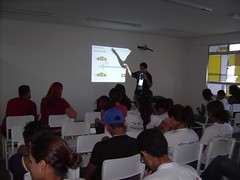
This week I did another presentation outside my city. This time it was at Maracanau in the Comsolid, a open source and digital inclusion event.
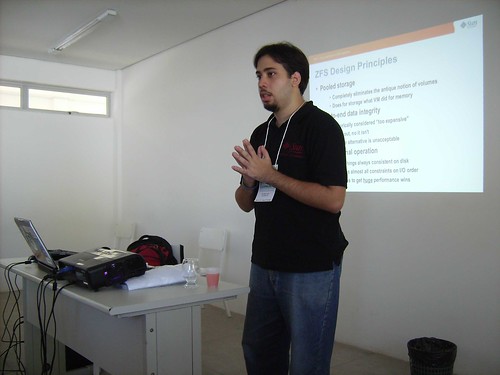
My first presentation was about ZFS filesystem and how you can take benefits from it like pooling storage and self healing. I used as base for examples my last post on it, Trying to corrupt data in a ZFS mirror.
|
|
 |
|---|---|
 |
|
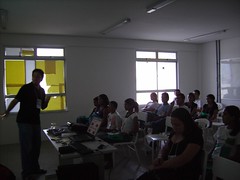 |
My next talk was about OpenSolaris. We had a lot of questions and interesting about this. We burned some cds with OpenSolaris 2008.5 and also distributed others versions of OpenSolaris like Solaris 10.

And my last presentation was a quick talk about high performance computing, a short version on that I already did before.
Was a interesting event mainly because the public was composed primarily by young students with few background on TI. It was a challenge to present some new concepts like pooling storage for those who aren’t familiar with filesystems management. I tried to keep my talk as simpler as I could and focus on daily problems and showing that you can avoid them with some open source technologies.
The full album is available at http://flickr.com/photos/silveiraneto/sets/72157605632001295/.
Photos from one unit of many units of Casa Brasil, a Non Governmental Organization, trying OpenSolaris (Solaris 10 distribution).
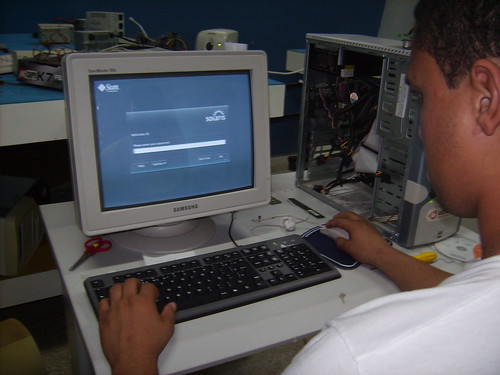
Thanks Erivelton, Alyne and others for these photos.
More photos in this album.
Casa Brasil is a very interesting project. I had there these days. I belive we can do some good partnerships.
Rafael Carneiro, Tarso Bersa, Rafael Ponte and me, after 8 hours of bus travel, arrived in Juazeiro do Norte to talk at the first JavaDay there.
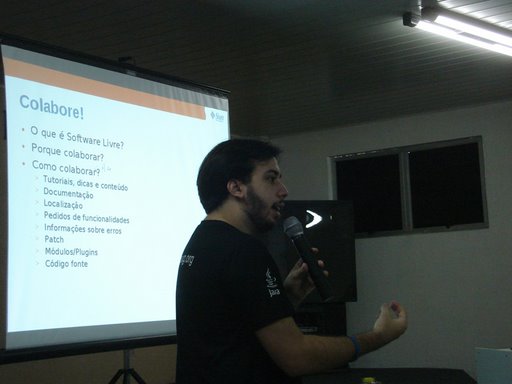


We answered a lot of questions and gave lot of gifts. I also showed the Sun Academic Initiative, which they are already subscribed. We also showed several opportunities they can participate with CEJUG like free vouchers or a free travel for Belgium.
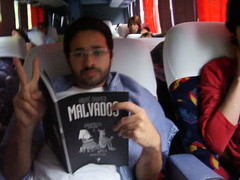
Some pictures we took. These ones during the bus travel. We saw a nice sunrise through beautiful landscapes.



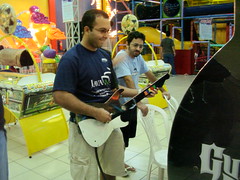
We playing guitar hero. 😀 The city have their own shopping with games, restaurant and cinema.

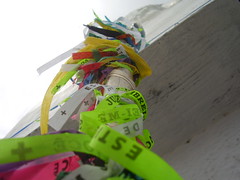
The main atraction at Juazeiro is a statue of Padre (Priest) CÃcero with 7 meters itself and more 8 meters of base. Pilgrimage to this statue takes place in his honour every November, attracting thousands of followers. The city’s economy is highly influenced by those travelers devotes.



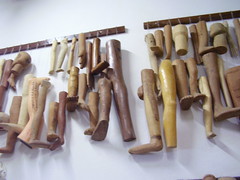
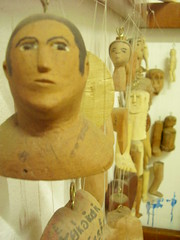
There’s a museum with several personal objects from Padre Cicero. People go there in order to thanks for miracles. If you got your a part of your body cured, of place there a wooden replica of that part of your body. If you got a car, you place a wooden car or a photo, and so on. There is thousands, maybe millions, of objects theres.


You can see all photos at Carneiro’s album or in my album.

Ilustrative image 😛
This is the first of a serie of posts I’d like to write while I’m studying more about OpenSolaris. The idea is to create simple posts showing a specific feature through practical examples that you can reproduce in your computer.


One of the most interesting feature on OpenSolaris is the 128-bit filesystem ZFS.
For those who are starting with ZFS, the main diference is the abstraction used for volumes. Unlike traditional file systems, which reside on single devices and thus require a volume manager to use more than one device, ZFS filesystems are built on top of virtual storage pools called zpools. One zpool is constructed of virtual devices (vdevs), which are themselves constructed of block devices: files, hard drive partitions, or entire drives (the recommended usage).
In this first experiment we will construct a mirrored zpool (RAID-1) and so try to corrupt its data and see what happens. In a mirrored pool the data is replicated into many disks and that eliminates the critical point, ie if one disks stops the data is not corrupted. You’ll can create a mirror with two or more disks and inside a pool you can have many mirrors. By example, one pool of 100Gb made by two mirrors, each one with 50Gb and each mirror made by volumes of 25Gb. You’ll scale your pool according your needs and capabilities.
This part of corrupt data make this experiment a little dangerous. You have these options:
- Install OpenSolaris in your disk and have at least two more disks to make a mirrored zpool. I don’t recommend this option because if you don’t know exactly what you are doing you can lose important data if you use the wrong volumes.
- Install OpenSolaris in a virtual machine and create fake volumes for this experiment. If you make some mistake nothing too bad will happen. That’s the option I’m using. Here I’m using VirtualBox with OpenSolaris 2008.5. VirtualBox is a free virtual machine, easy to use and works well with OpenSolaris.
Although there is already a graphical tool for manage ZFS, this is not available at OpenSolaris 2008.5. Also for who are studying ZFS a little bit deeper, know how to manage it by command line tools is interesting.
With your OpenSolaris booted, open a terminal and log yourself as root. Consult your available devices with echo|format.

If you are familiar with Linux, OpenSolaris nomenclature for devices may sound strange. I recommend you to take a look at this document.
To create a pool with the devices c4d1 (80G) and c5d1 (60GB) just type zpool create ourpool mirror c4d1 c5d1.

Explaining this command word by word:

Diagram of ourpool. Icons from Everaldo Coelho.
If your command works, it’ll works silently e will returns nothing. For check pool’s status do a zpool status ourpool.

This output shows that a pool called ourpool is ONLINE and is made of one only mirror, that is made of two devices c4d1 e c5d1.
We can list all pools with zpool list.

Ourpool has approximately 60Gb size which 900kb is already used for store metadata. As we did a mirror using volume of 60Gb and 80Gb, the mirror size is determined by the smaller volume. The another pool, rpool is a pool that OpenSolaris creates by defaul to place the system.
Now we’ll populate the pool with data. These data could be real important data like data base files, your photo collection or personal documents. For illustrative effect I’m using a 100Mb empty file called data. mkfile 100m data.

While the file creation I did a zpool iostat -v ourpool too see the IO traffic in the pool. Note that there’s traffic on both disks as they form a mirror.

We will create and save a file of md5 checksum of date to be able to check its integrity later, md5sum data > data.md5. Too see if a checksum matches we do a md5sum –check data.md5.

Now comes the critical part of this simulation. We will simulate a physical defect on the disc. Storage devices will fail at some point, but we don’t know when. When it happens it can corrupt your data or stop important applications.
Let’s get 20Mb of garbage from /dev/urandom e throw them in the disk c4d1, dd if=/dev/urandom of=/dev/dsk/c4d1 bs=1024 count=20480. There’s more fun (and expensive) ways to case physical defects in a disk, take a look into this video where they use ZFS and hammers. 🙂

Ready, the damage was done. Let’s look the pool status, zpool status ourpool.

We see no error but the ZFS uses strongly memory cache. Let’s force clean this cache by disabling and enabling the pool. First cd / to assure we are not into the pool, so zpool export ourpool followed by zpool import ourpool.

Checking it’s status again, zpool status ourpool.

Pool remains ONLINE but ZFS noticed that something is wrong.
Let see the data integrity, md5sum –check data.md5.

This is one of the characteristic of self healing in ZFS. The corruption that occurred in one volume was silently repaired. In a traditional volume manager you would not only lost our data but not event know that a corruption has occurred.
In this point the system administrator should be warmed to take some action on the defective disk. Here some advices:
I also did a screencast the resumes the entire process:
This post is a english translation for this post.

Boris Wilson, originally uploaded by Silveira Neto.
Boris, thinking about life…

This saturday we had our CEJUG traditional event CCT (Café com Tapioca) done monthly, each time in a diferent university. This time we had three speakers, Vando Batista, Rafael Pontes and Luthiano Vasconcelos talking about Java ME, Domain Driven Design and Cruise Control respectively.
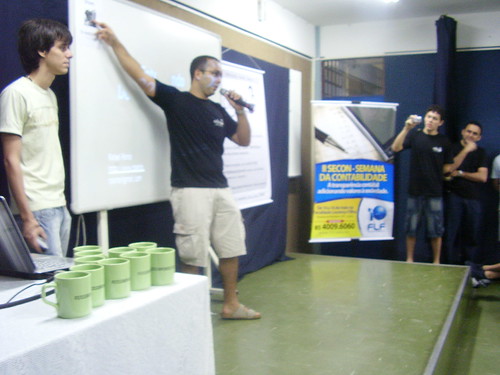
Rafael Carneiro opening the event.
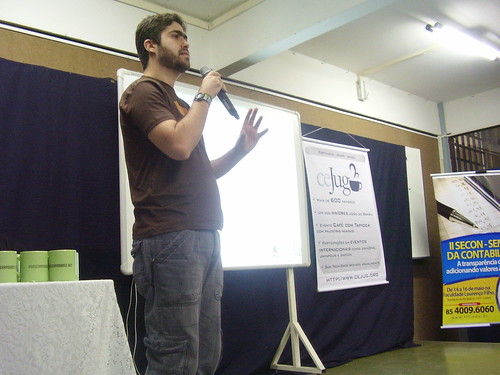
All photos I took (just a few due to weak batteries in my camera) are hosted in this album. This was out first event recorded and streamed by TV Software Livre. Thanks also guys from ArgoHost who made it possible.
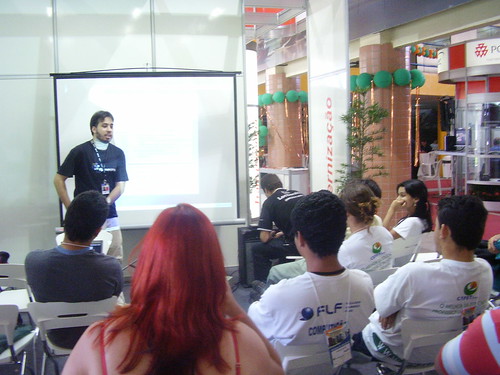
InfoBrasil is a tradicional IT business event in my city. This year we got a space for Open Source and Free Software where I did a presentation about OpenSolaris. I posted our grid yesterday.
That was my first presentation about OpenSolaris so I focused to showing that OpenSolaris 2008.5 is a GNU/OpenSolaris distribution but you can access features like ZFS, DTrace and Zones. I used those slides that Tirthankar Das, Solaris Cluster Engineering at Sun Microsystems, did for FISL 2008. Most of the audience was composed from students and they showed very impressed with ZFS. In my next OpenSolaris presentation I’ll try to focus more on ZFS demos. 😉 Someone in the audience did a random number generator code live. We used it to prize some OpenSolaris gifts like tshirts and sticks. 😀

I hope that for now on that we can use better this space and for establish a good dialog between communities, governments and enterprises.
All photos ares avaliable at my personal album for that event.
This monday I and others ambassadors from all over Brazil went to São Paulo to have a quick meeting with Crawfor Beveridge, executive vice president and chairman, EMEA, APAC and the americas at Sun Microsystems.
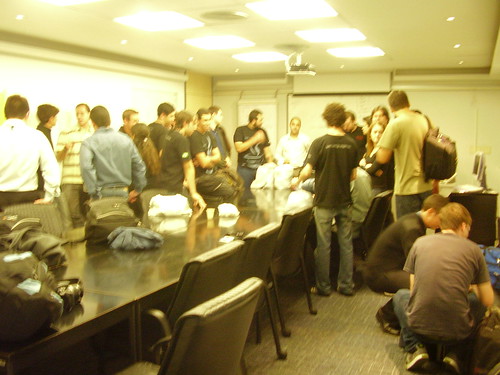
As we cant see all ambassadors at FISL was a good oportunite to meet all brazilians ambassadors, olds and new ones. Lucas Torri bring to us some cool OpenSolaris shirts and gifts from JavaOne 2008 (where he was showing Project Marge).


I could also see some places in I don’t knew in the building, like the room for demostrating products. I saw very interesting backup devices from Storage Tek (now also part of Sun).
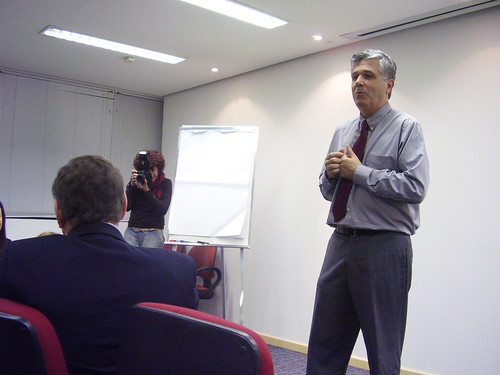
Maluf introduces us to Crawford

Eduardo Lima
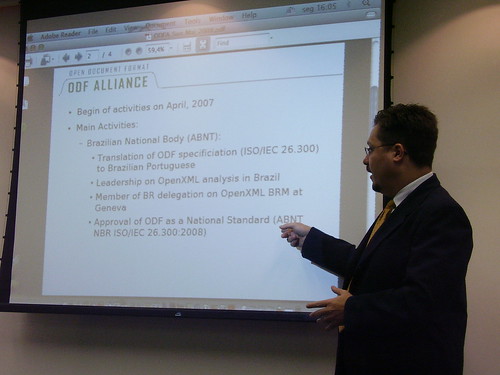
We had an presentation with Jomar Silva, General Director of the Brazilian Chapter of the ODF Alliance, about ODF advances in Brazil. Eduardo Lima showed details of Sun Campus Ambassador Program in Brazil and also this cool videos about Open Source and OpenSolaris made by Vitório Sassi, Bruno Souza and Rafael Tinoco.

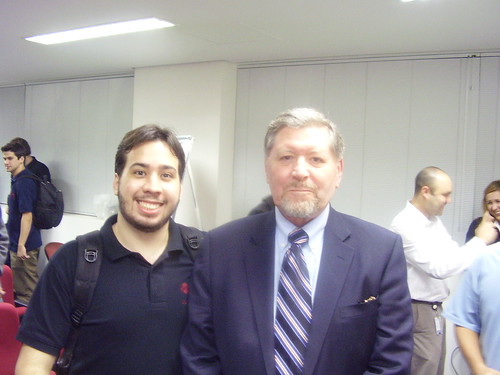
Me and Crawford Beveridge.
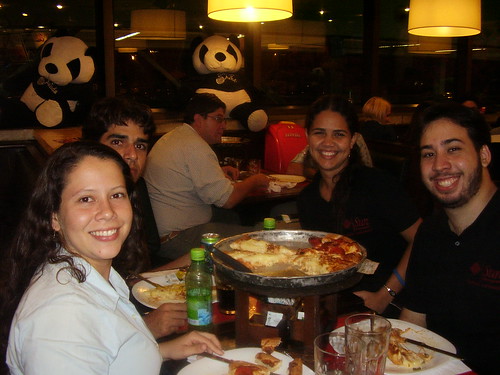
Almost all northeast ambassadors in a quick pizza dinner in the airport.
The complete album is available here.